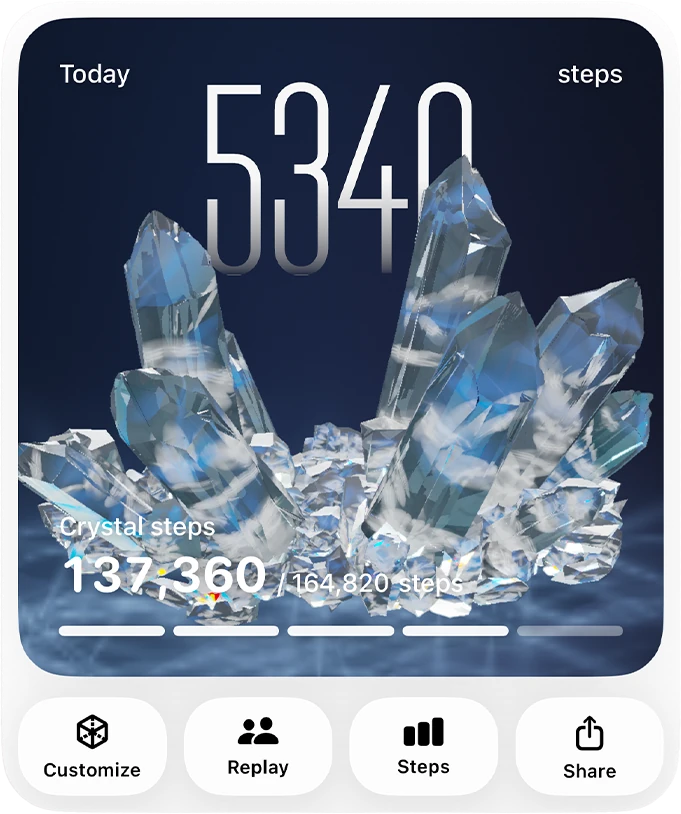
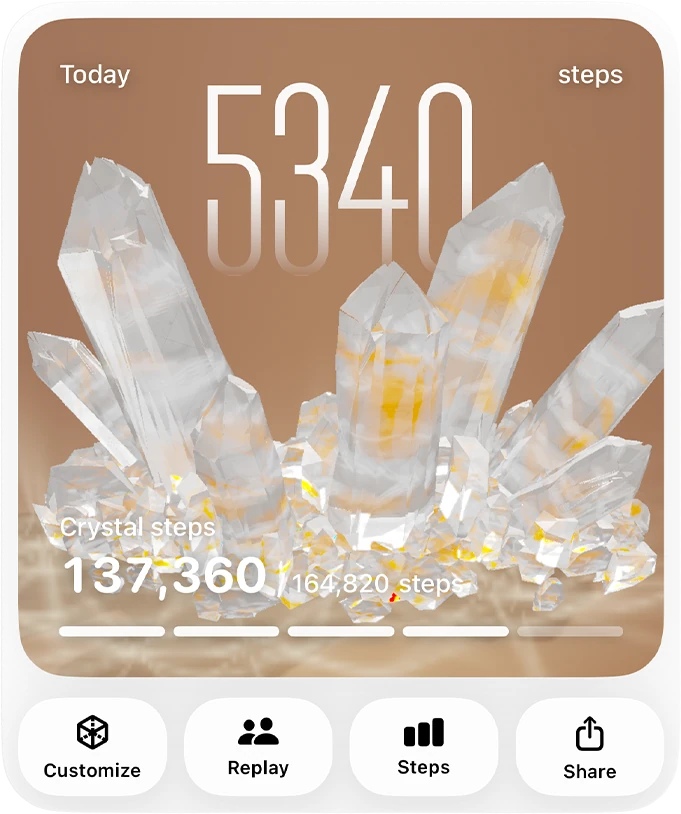
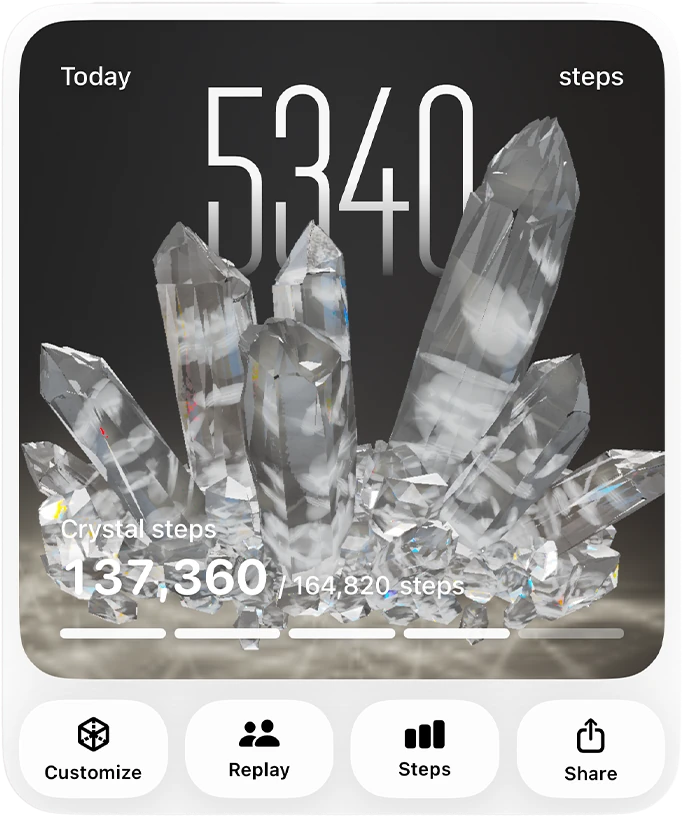
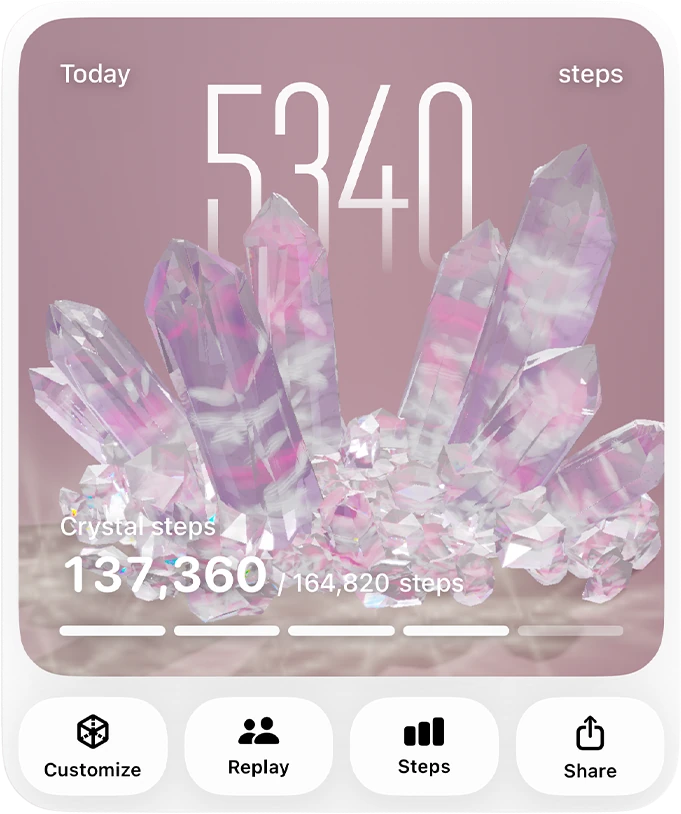
A 3D crystal grown by your steps

Let your walks
take shape.

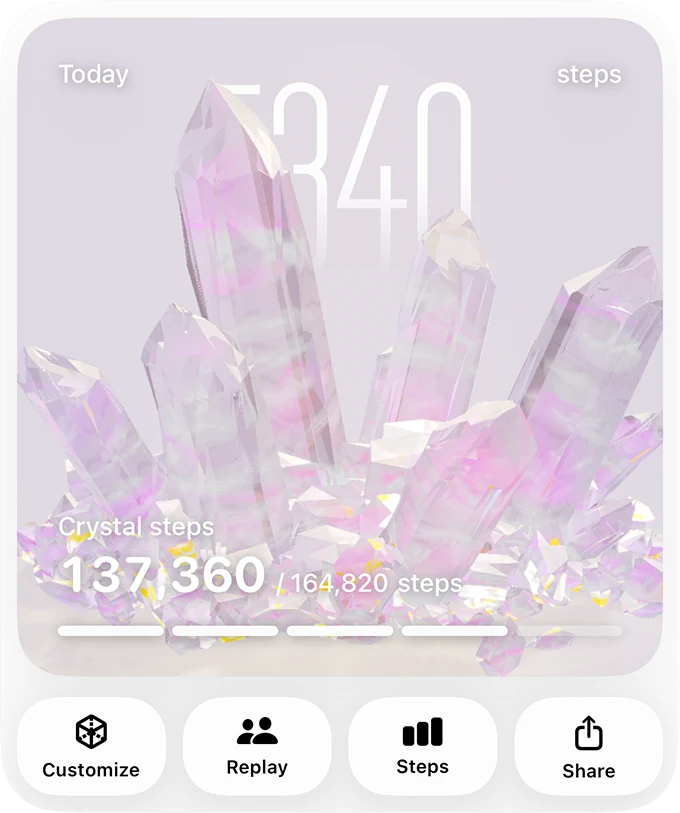
GemStep uses the steps already recorded in Apple Health to grow a 3D crystal. The walk to the train, a loop at lunch, the long way home—they all leave a small, visible trace.

Made for
iPhone
Requires
iOS 18 or later
Step data
Processed on device
A translucent 3D crystal in GemStep, lit with soft lavender and peach light
Steps from Apple Health

What GemStep does

Your day changes the crystal.
No streaks required.

A step counter can make an ordinary day feel like a scorecard. GemStep keeps the useful part—the record that you moved—and turns it into something you may actually want to look at.

01

Reads your steps

After you give permission, GemStep reads the total step count saved in Apple Health. It does not ask for your location or walking routes.

03

Keeps the finished piece

A complete crystal joins your collection. You can replay its growth or export it as an image, wallpaper, or short rotating video.

Widgets

Still growing,
even when the app
stays closed.

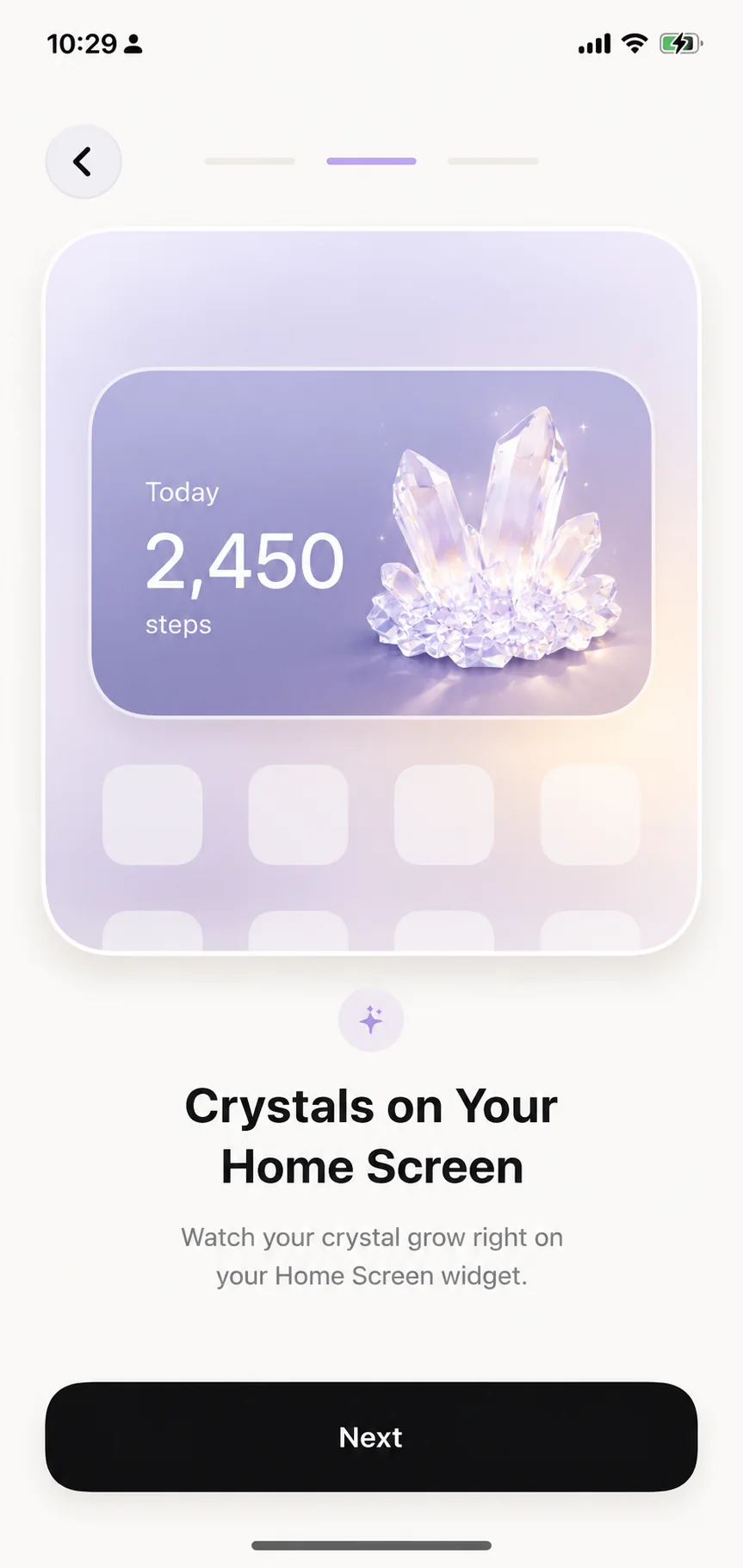
Small, medium, and large Home Screen widgets keep the current crystal and today’s steps nearby without asking you to open the app again.

iOS decides exactly when widgets refresh, so a widget may update a little later than the app.

GemStep widgets showing a crystal and today’s step count on an iPhone Home Screen

After it grows

Keep it, revisit it, make it yours.

Each crystal is a record of time spent moving, but it can also just be a nice object on your screen. Once it is complete, you decide what to do with it.

COLLECTION

A collection made from days you walked.

Each crystal keeps its start date and growth record. Mark your favourites and they are easy to find again.

Change the colour and the light.

CUSTOMISE

Change the colour and the light.

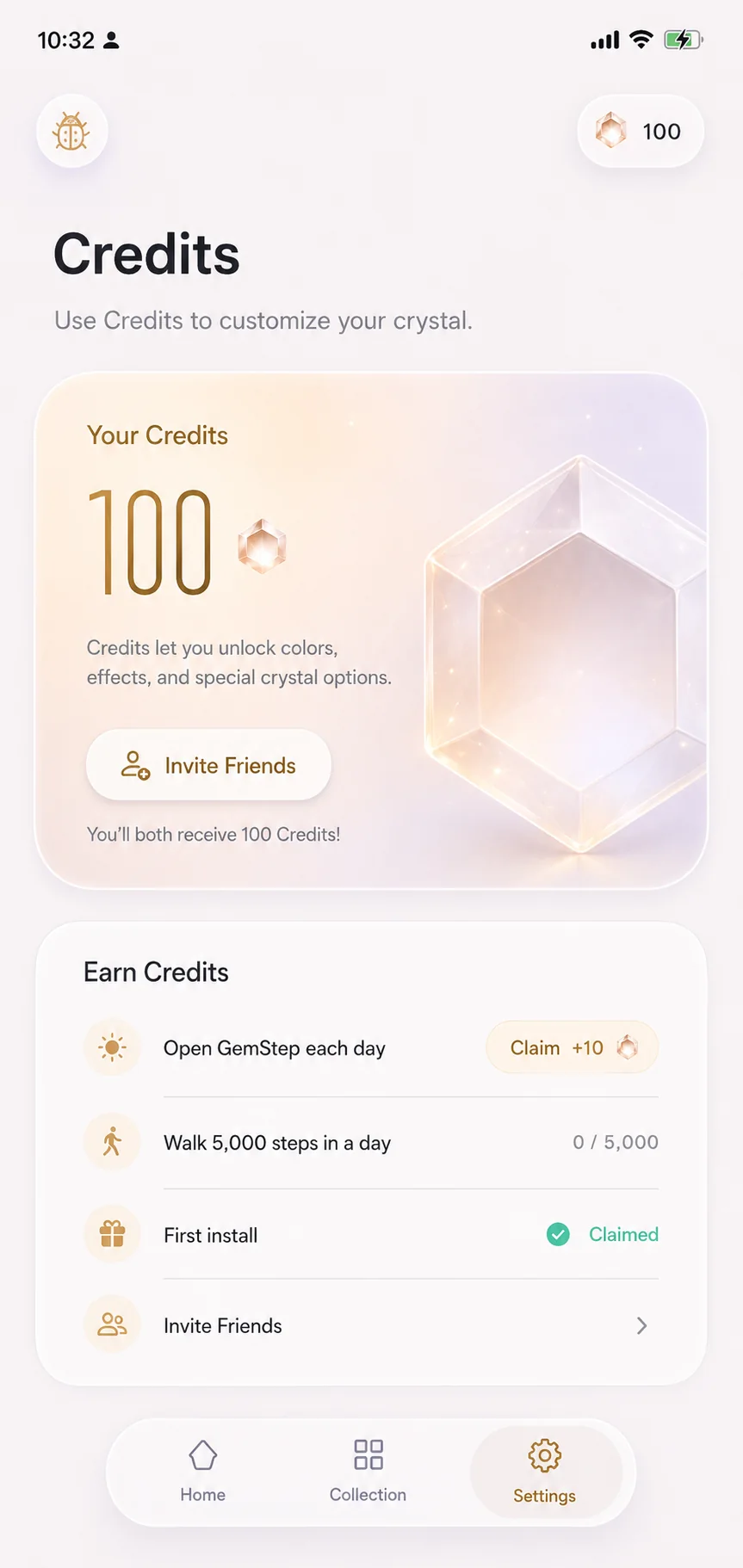
Gem Credits unlock more colours, effects, and special crystal options when you feel like changing the look.

EXPORT

Save the version you like.

Export a wallpaper, a transparent PNG, or a six-second rotating video. Rendering happens on your iPhone; the crystal is not uploaded for processing.

PRIVACY BY DESIGN

Your exact steps
stay on your iPhone.

GemStep uses the step totals it reads from Apple Health on your device to grow the crystal. Exact counts and individual HealthKit samples are not sent to GemStep’s servers or Mixpanel.

No location permission Analytics off by default No third-party advertising
Read the Privacy Policy

A few useful answers

Before you start walking.

What kind of app is GemStep?

GemStep is an iPhone app that grows a 3D crystal from step counts recorded in Apple Health. The shape changes as you walk, and completed crystals stay in your collection.

Does it use my location or walking route?

No. GemStep does not request location or route data. It reads step totals from Apple Health, and exact counts or individual HealthKit samples are not sent to GemStep’s servers or Mixpanel.

Do steps from an Apple Watch count?

Yes, once those steps have synced to Apple Health. Apple Health combines supported sources such as iPhone and Apple Watch, and GemStep reads the latest available total.

Does GemStep have widgets?

Yes. There are small, medium, and large Home Screen widgets. iOS controls their refresh timing, so they can update a little later than the app.

Which iPhones can run it?

GemStep is a native app for iPhones running iOS 18 or later. Crystal growth requires read permission for Steps in Apple Health.

GemStep app icon

GEMSTEP FOR IPHONE

What will your next walk grow?

If you want to check compatibility or troubleshoot something, the support page has the practical details.

Open technical support